
What does not change
Your obligation. The records are yours. Switching vendors does not hand any part of the responsibility to the new one, and it does not reset how long you must keep anything.
→ How long records must be kept
What the record has to contain. Every field required by 27 CFR 478.125(e) is still required afterwards. A migration that drops the importer name, or loses which entries are open dispositions, has produced an incomplete record, not a tidy one.
What has to come across
Check each of these explicitly rather than assuming the export handled it:
- Every acquisition field: date received, who from, manufacturer, importer, model, serial number, type, caliber or gauge
- Every disposition field: date, and who the firearm went to
- Open acquisitions: firearms acquired and not yet transferred (no disposition recorded against them). These are the entries an inspection looks at hardest, and the ones most often mangled by an export
- Destroyed, lost and stolen entries: these are dispositions, not deletions, and they must survive as such
- Attachments if you rely on them being part of the record
- Historic entries, not only current inventory. A migration that brings across live inventory and leaves the history behind has left the record behind
What the new system has to be able to do
Whatever you move to has to satisfy ATF Ruling 2016-1 on its own merits:
- Hold every required field in the system, without depending on invoices or paper to complete the picture
- Be readily accessible from a computer at the licensed premises during business hours
- Support queries by serial number, acquisition date, manufacturer or importer name, purchaser name, purchaser address and 4473 transaction serial number
- Back up at least daily
Ask any vendor to show you each of these rather than confirm them. That includes us.
A sequence that works
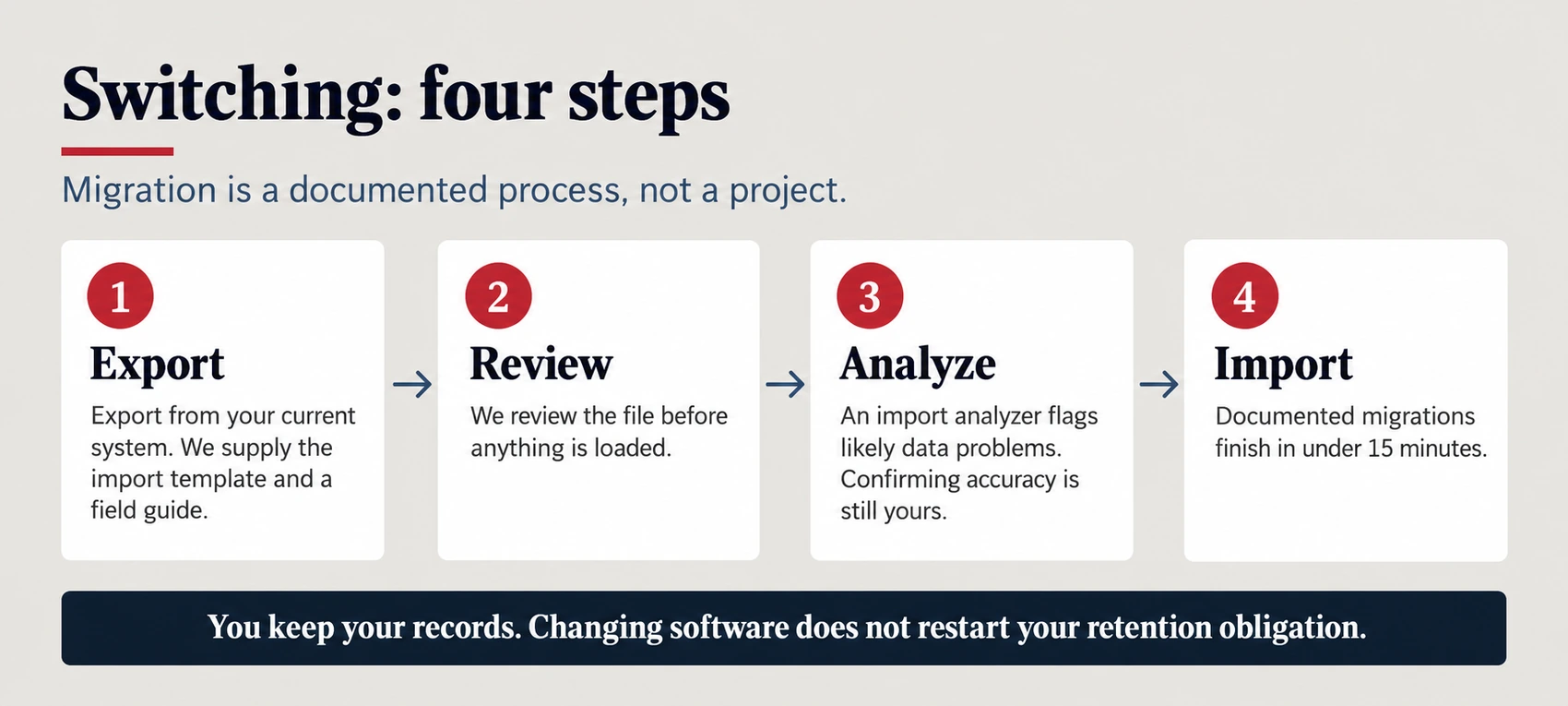
- Export from your current system before you commit to anything. If the export is poor, that is information you want early, and it says something about the vendor.
- Map the fields before importing. Someone has to confirm that the old system's columns mean what the new system thinks they mean.
- Have the file reviewed by a person, not only by an importer. Automated imports do what you asked, including when what you asked was wrong.
- Reconcile after the import: the new record against your physical inventory, not against the old system's screen. The old system may have been wrong too.
- Check the open acquisitions specifically, item by item.
- Run both systems in parallel for a real week of actual transactions before you rely on the new one. A demo will not surface what a busy Saturday surfaces.
- Keep your old records. Do not decommission anything until you have verified the new record fully. This costs you a little and protects you a lot.